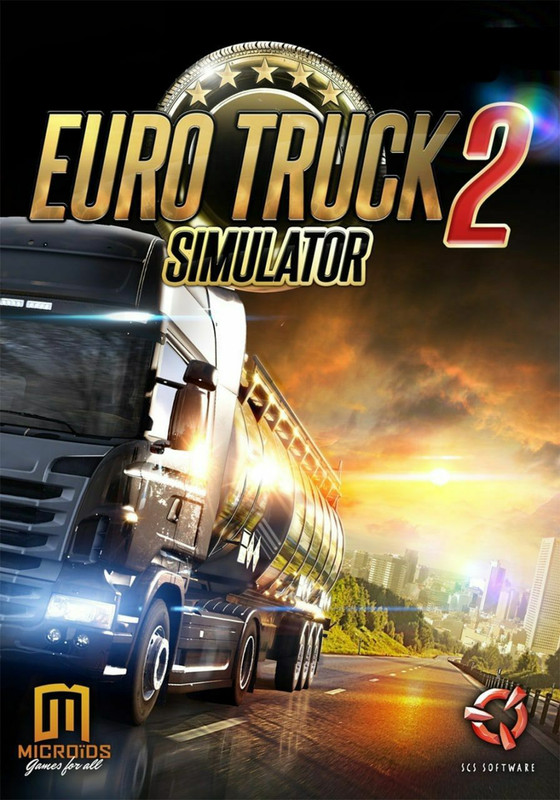
🚛 Euro Truck Simulator 2 v1.43 | PC / Android (Winlator)
🚛 TRUCK SIM
📴 OFFLINE
🎧 BEST WITH HEADSET
🔥 LONG PLAY GAME
Euro Truck Simulator 2 is one of the most realistic truck driving simulators ever made. Using Winlator, Android users can now play the PC version directly on Snapdragon-powered phones.
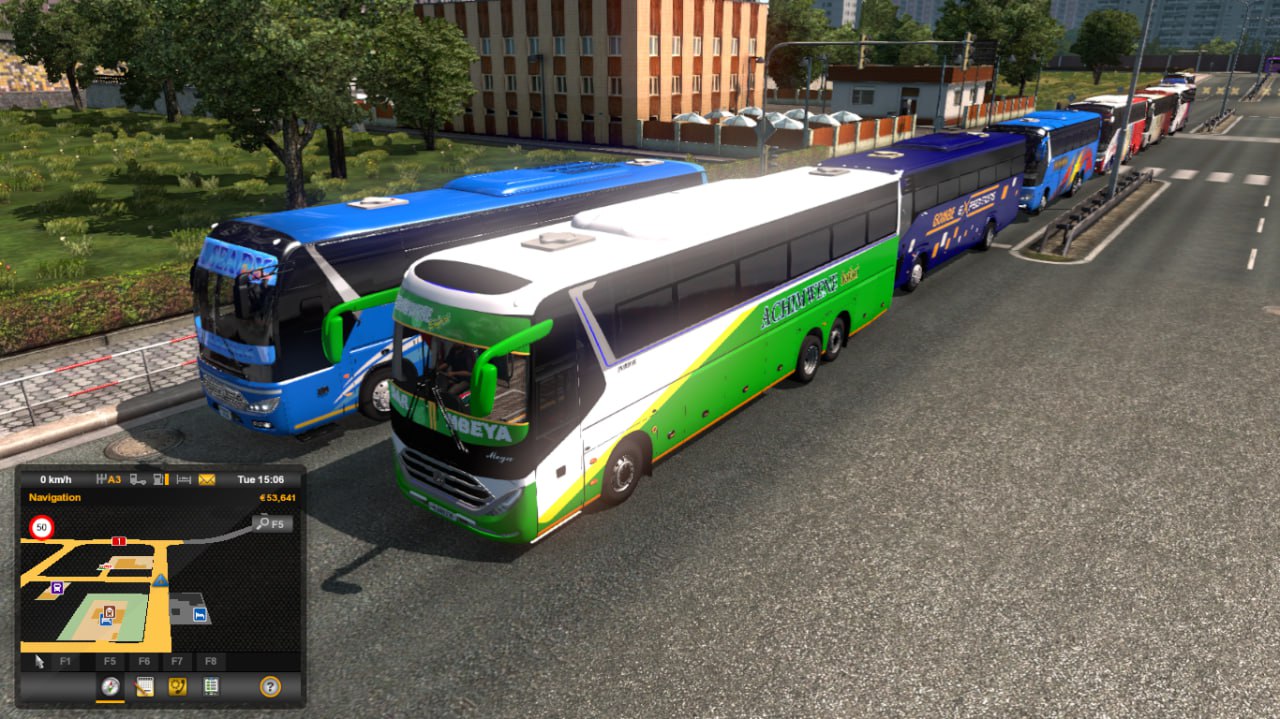
Drive across Europe, manage your trucking company, customize trucks, and experience relaxing long-distance driving with beautiful weather and highway environments 🌙
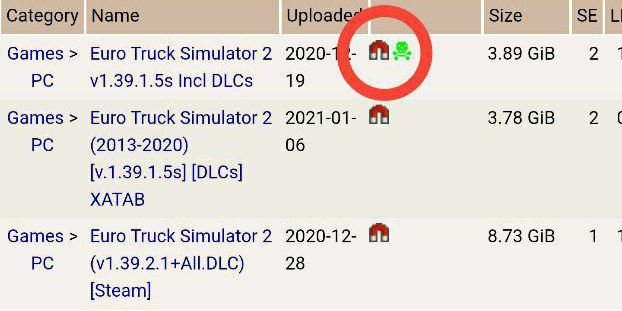
⚠️ Important: ETS2 installers sometimes fail inside Winlator. For best stability, install the game on a PC first, then copy the installed game folder to your Android device.
| Android Requirements (Winlator) | |
|---|---|
| Processor | Snapdragon 845+ |
| RAM | 6 GB Minimum |
| GPU | Adreno 630+ |
| Storage | 15 GB Free Space |
| Android | Android 10+ |
📁 How To Copy ETS2 From PC To Android
- Install ETS2 fully on your PC.
- Locate the installed folder:
C:\Program Files (x86)\Euro Truck Simulator 2- Connect your Android phone using USB.
- Copy the full game folder into:
Internal Storage / Winlator / Games /- Run eurotrucks2.exe inside Winlator.
❤️ Supporting Gaming Hood TZ helps keep games free for everyone.
Support Us Join Telegram Channel
 YouTube channel


Comments
Post a Comment